Customizing Individual Accounts
You can only customize an account (making lists, and favorite-ing films) at the individual user level, not for an entire institution.
First you will want to begin by making sure you are logged in at the individual account level. If you have access through an institutional account (school, organization, company), login to that one in addition to your individual account as applicable.
To login you will start at this page https://films.mediaed.org/Login.
If you need help logging in at the institutional level jump to this page.
If you need help logging in at the individual level jump to this page.
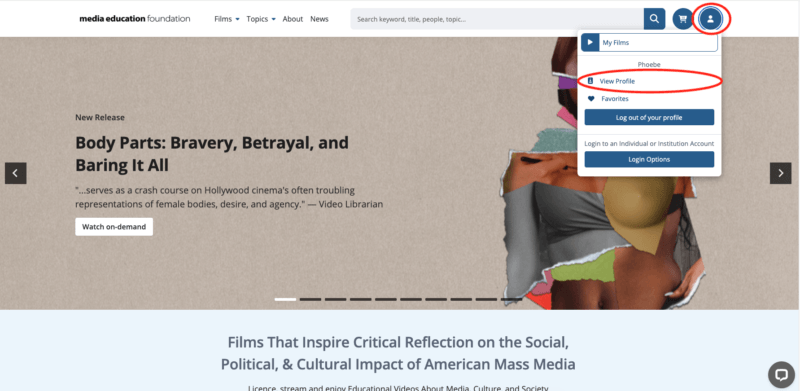
Once you are logged in, hover over the person icon to see the menu. Select View Profile.
You will be redirected to a screen that shows you a variety of categories.
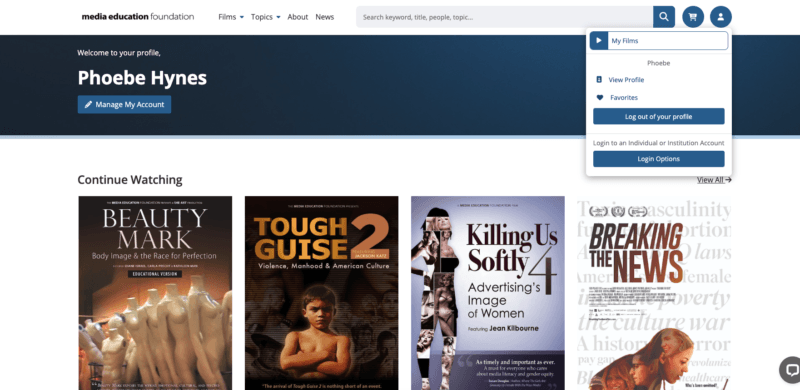
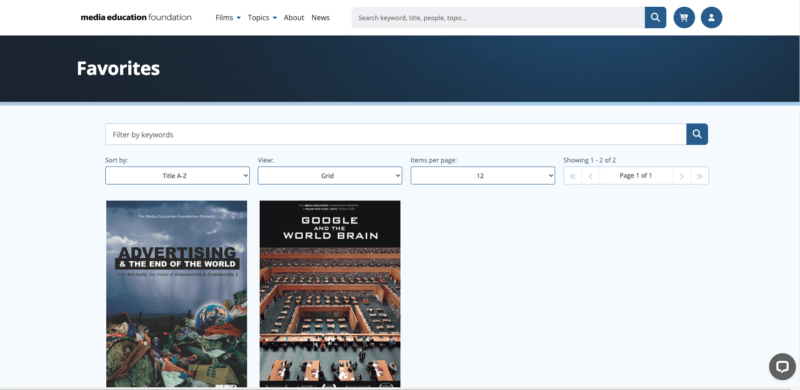
As you scroll further down the page you will see Favorites.
To Favorite a film you can hover over the heart button when browsing through titles.
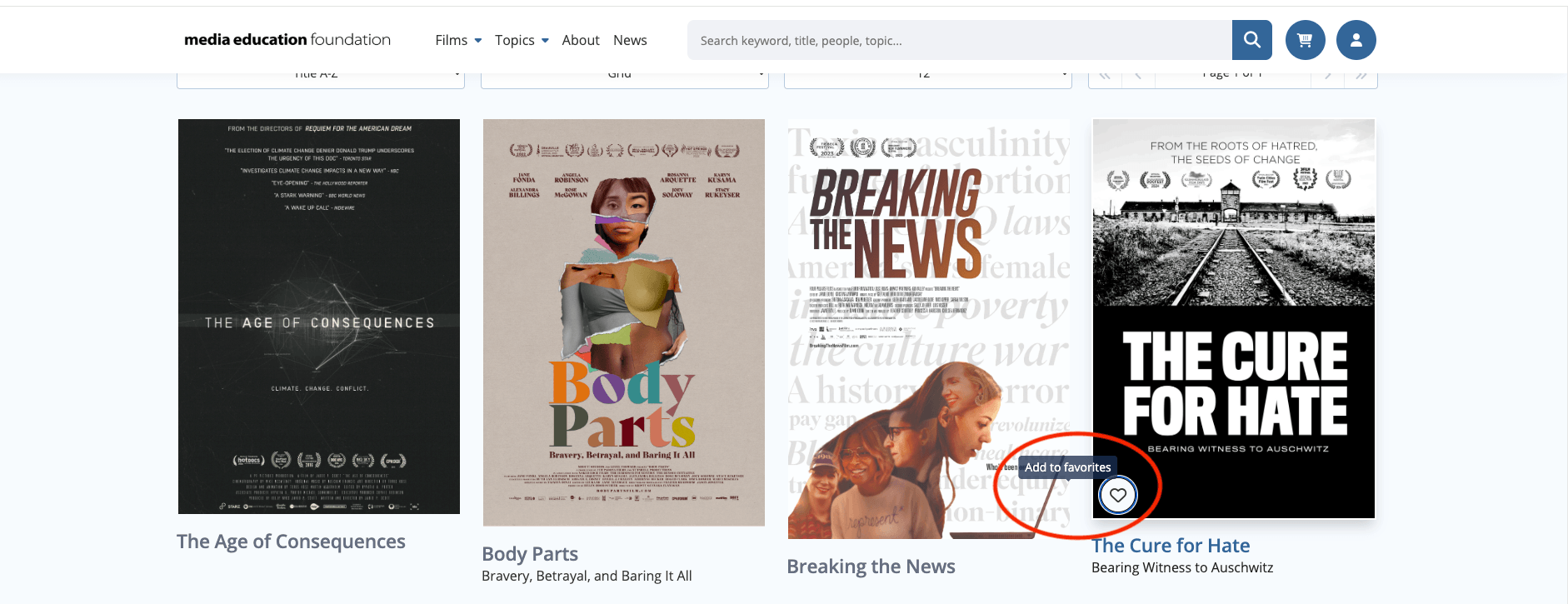
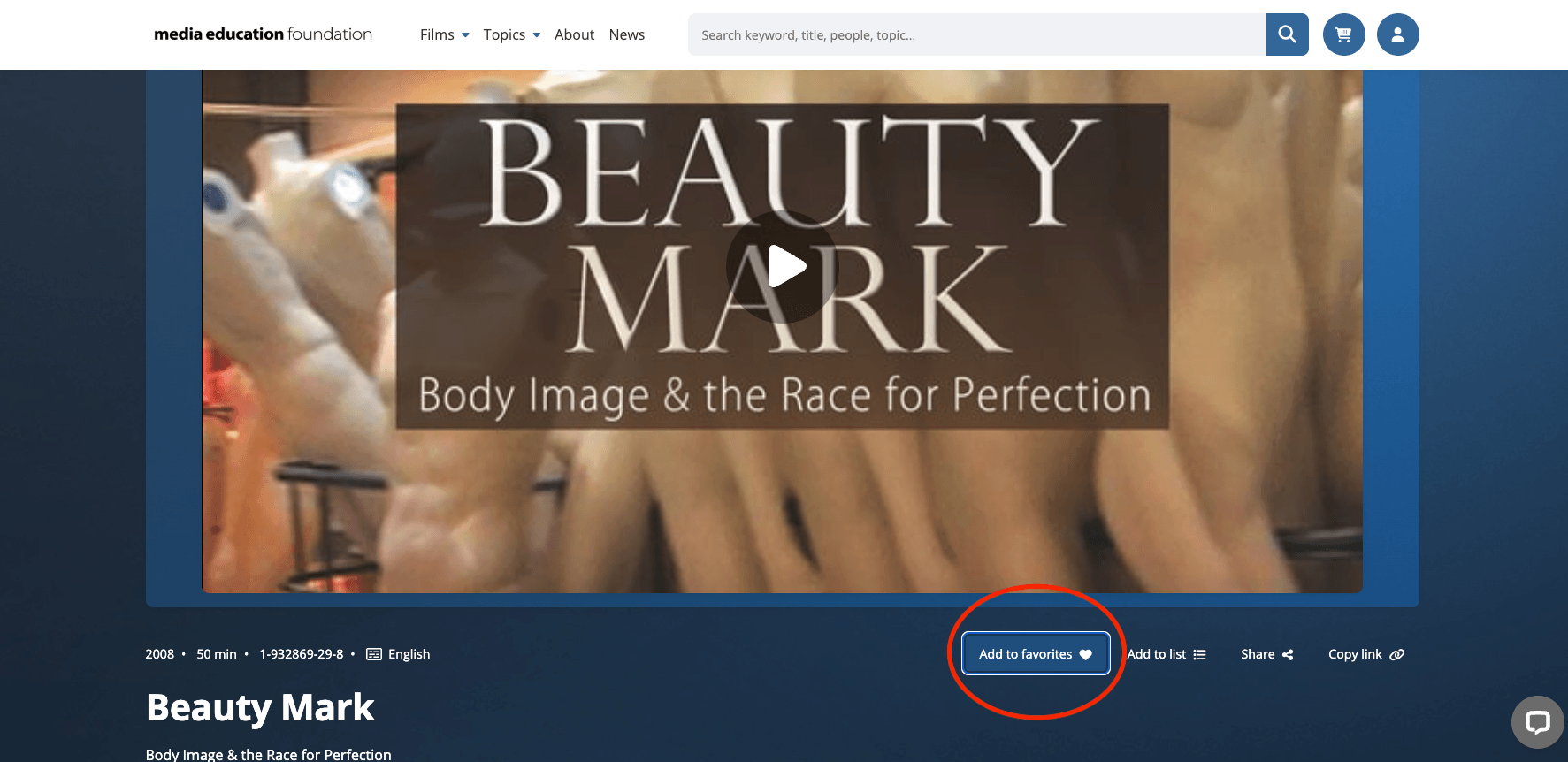
You also can favorite the film when you are on its viewing page.
Select the “Add to Favorites” icon you see in this image. It will then be added to your Favorites folder.
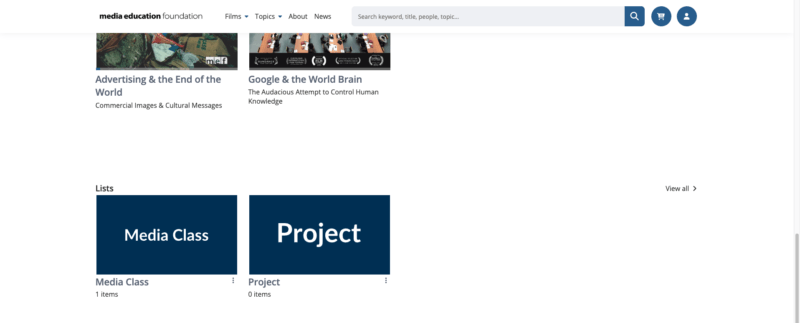
At the bottom of your profile page you will also see that you have an option to view lists.
These are folders to help you organize your collection.
You create these yourself, based on what films you want included in them, and how you want to name them.
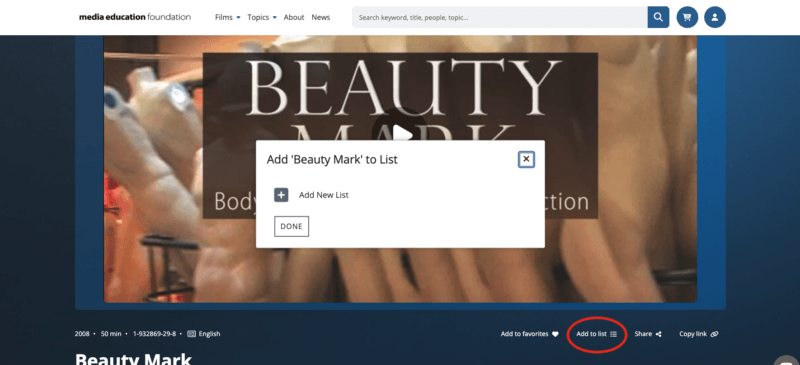
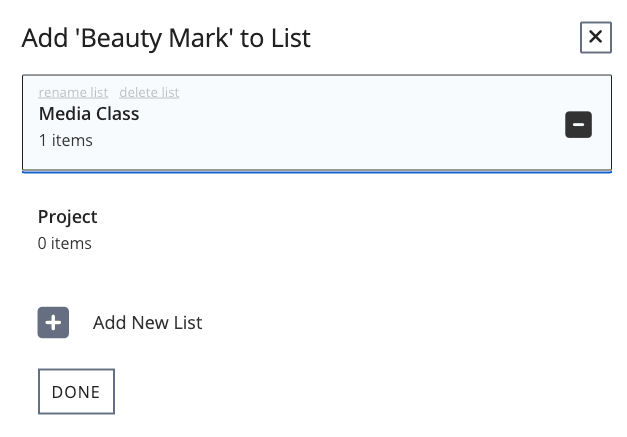
When you are on an individual film’s page, you will see an icon labeled “Add to list”.
Once you select it you will be prompted to add the title to a list. If you don’t have any made yet it will prompt you to make a list there.
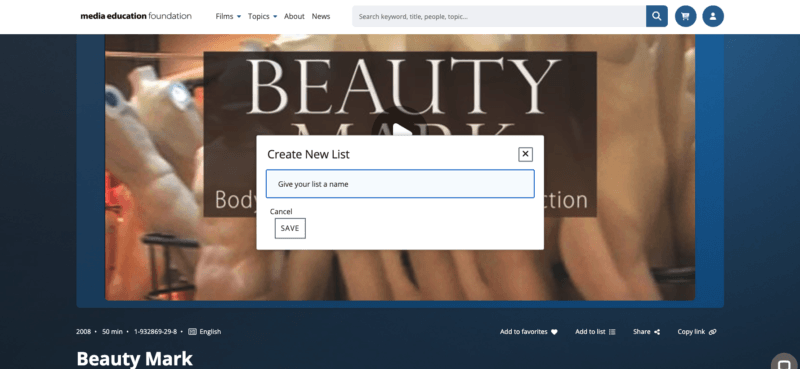
When you select “create new list” you will be prompted to name it.
If you already have lists when you select Add to list, you will see the titles of them alongside the option to create a new list.
You can browse your lists by selecting the folder of your choosing on your profile page we navigated from in the beginning.
Still Need Help?
Please don’t hesitate to get in touch with us via phone, chat, or email for assistance. We’re happy to help with questions big or small!
Email: [email protected] | Phone: 413-584-8500