Registering and Logging In at the Individual Level
There are several ways to register an account to access our films based on what type of user you will be.
On the login page of our streaming portal you will see:
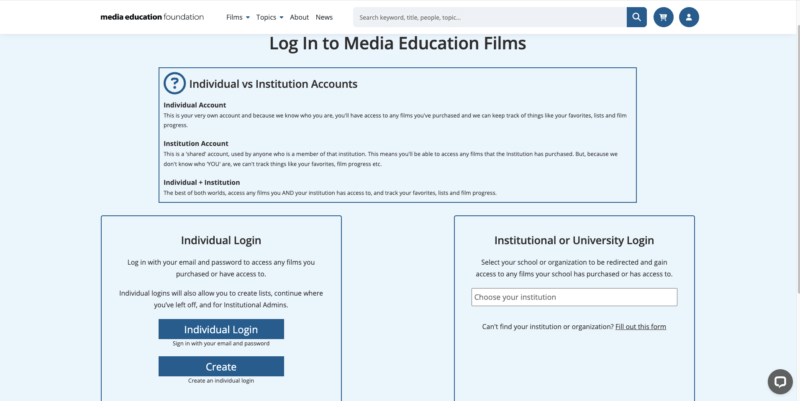
To register as an individual user, select the Create button in the Individual Login menu on the left hand side of the page.
Fill out your information and then after selecting register, your account will be active.
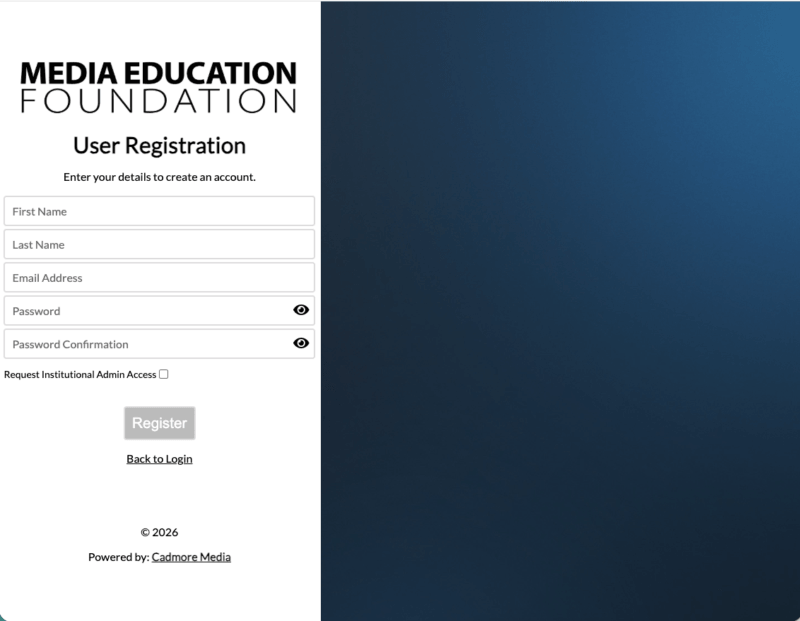
How to Login:
You will begin at the same page you registered your account with.
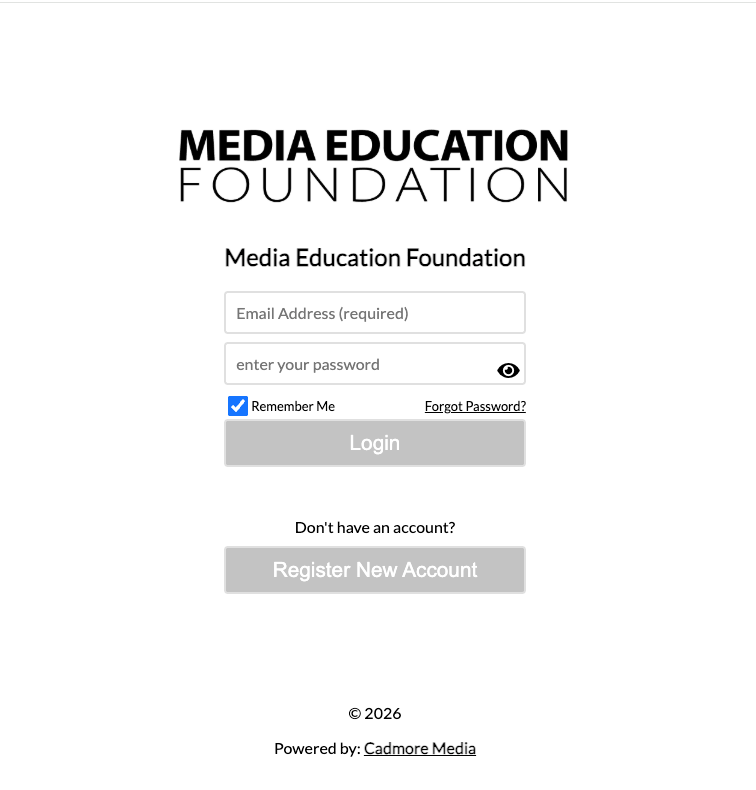
To login at the Individual Level you will need to select “Back to Login” on the User Registration page above, which will bring you to this page where you can enter in your credentials to finish logging in.
Fill out your information and then after selecting register, your account will be active.
Still Need Help?
Please don’t hesitate to get in touch with us via phone, chat, or email for assistance. We’re happy to help with questions big or small!
Email: [email protected] | Phone: 413-584-8500